"The buzzer is broken" covers at least five different faults, and they have different owners. Some are yours to fix in a minute. One is the building's and can take months. Working out which you have is worth doing before you spend a week chasing the wrong person.
Start with the cheapest test: go downstairs and press your own unit.
Nothing happens at all when someone presses my unit
If the panel does not light up, beep, or make any sound, the problem is the panel or its power, and it is the building's.
Try a neighbour's unit while you are there. If theirs does nothing either, the whole entry system is down and you are reporting a building fault, not a personal one. If theirs works and yours does not, skip to the next section, because the panel is fine and your entry specifically is the issue.
The panel dials but my phone or handset never rings
This is the most common fault, and it is almost always the directory entry rather than anything physical.
Modern entry panels do not run a wire to your apartment. They store a phone number against your unit and dial it. So "the buzzer does not work" usually means the panel is faithfully dialling a number that no longer reaches you: a previous tenant's number, a mistyped digit, or a line that has been disconnected.
You can confirm this in thirty seconds. Ask whoever manages the panel what number is listed for your unit, then call it yourself. If it rings someone who moved out in 2019, you have found it.
It used to work and stopped on its own
Suspect the phone line, especially if nothing changed in your apartment.
Older entry systems run on a dedicated copper landline, and carriers are retiring copper. The FCC's March 2026 order sped that up: carriers no longer file copper retirements with the FCC, the FCC no longer issues its own public notice of them, and the objection process that went with those notices is gone.
The notice that survives is not aimed at you. Carriers must still publish retirement notices, on their own website or in industry publications, and must still give at least 90 days' direct notice before pulling copper — but that direct notice runs to interconnecting phone companies and 911 providers. The order says plainly that its copper-retirement rules impose no end-user notice obligation at all, and that carriers notify end users "as a matter of practice" rather than because a rule requires it. Where retiring the copper also discontinues a service, the carrier does still need FCC authorization under section 214, and customers get 15 days to object once the FCC publishes that application.
Entry intercoms, gate call boxes and elevator phones all quietly stop working when that line goes away.
If your building's buzzer died on a date, and everyone's died on the same date, this is very likely why. It is a building-level replacement, not a repair.
Everyone can hear me but the door will not open
The talk path and the door release are separate circuits, and only one of them has failed.
If you can hold a conversation with someone in the lobby but pressing the unlock does nothing, the audio is fine and the door strike, its wiring or its controller is the fault. That is building maintenance, and it is worth reporting as "the door release is not working" rather than "the intercom is broken", because those go to different people.
It works, but only when I am home
Nothing is broken. That is the system working as designed, and it is the design that is the problem.
An intercom wired to a handset in your unit can only ever reach that handset. There is no fault to fix. If your actual complaint is missed deliveries and visitors who cannot reach you, no repair helps, because the system is doing exactly what it was built to do in 1985.
What can I fix myself?
Only one of the five, but it is the most common one.
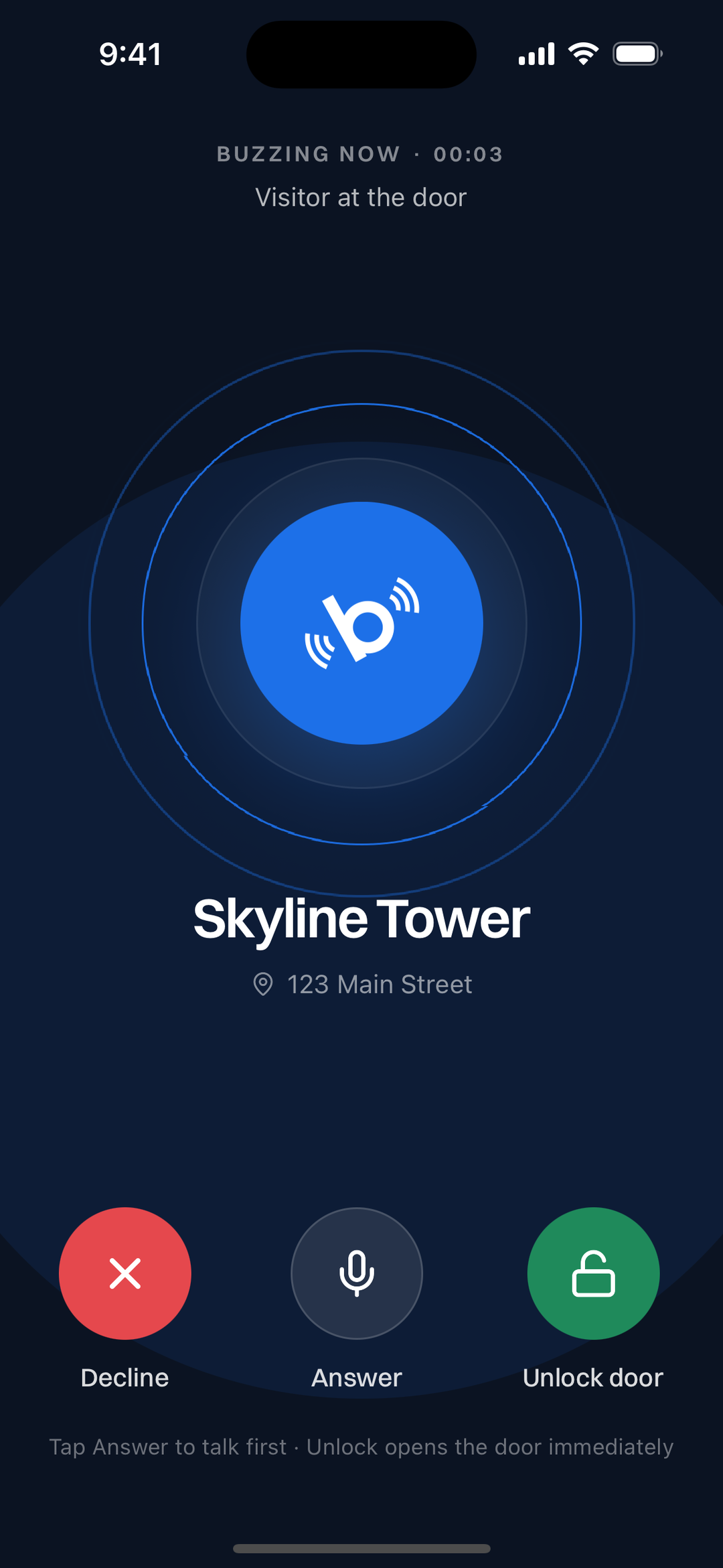
The directory entry is a line of data, not hardware. If the number listed against your unit is wrong or dead, replacing it with one that rings your phone fixes the fault and upgrades the system in the same step. Nothing is installed and no hardware is swapped, so it does not need a contractor or a capital budget, which is also why it does not need your landlord's permission to modernise your own unit.
That is the whole of our setup guide: get a number, have it listed against your unit, answer from anywhere.
The other four are building faults. Report them as what they are, and be specific: "the panel has no power", "the door release is not working", "the entry line has been disconnected". Vague reports get vague responses.
Quick reference
- Panel completely dead - panel power or the panel itself. Building's fix.
- Panel dials, nothing rings - wrong or dead number in the directory. Yours to fix.
- Stopped on a date, building-wide - the copper entry line was retired. Building's fix.
- Can talk, door will not open - the door release or its wiring. Building's fix.
- Only works when you are home - working as designed. Yours to fix.
The short version
Before you report anything, press your own unit and then a neighbour's. Those two presses separate a building fault from an entry-specific one, which is most of the diagnosis.
And if the answer turns out to be the fifth row, the repair you want is not a repair. More on how these systems work in How Do Apartment Buzzer Systems Actually Work?, or get the app.