Most guides to "smart buzzers" start with a box arriving in the mail. This one does not, because the fastest way to modernise an apartment intercom turns out not to involve any hardware at all.
What am I actually installing?
Nothing. That is not a marketing line, it is the mechanism.
Your building's intercom already works. When a visitor presses your unit on the lobby panel, the panel dials a number that is stored against your unit in its directory. Historically that was a wire to a handset on your wall, and in most modern panels it is a phone number.
So the upgrade is not a new panel or a new device. It is changing which number your unit dials out to. Everything physical in the lobby stays exactly where it is.
What do I need before I start?
Less than you would think:
- A smartphone. iPhone or Android.
- Your unit number, and whoever manages your building's intercom directory.
- About ten minutes, most of which is waiting for someone to update the directory.
There is no device to buy, no Wi-Fi to configure, and no drilling. If a guide tells you to mount something near the door, it is describing a different category of product.
Worth ruling out first: if your buzzer is broken rather than merely old, work out which fault you have before changing anything, because two of the five are the building's to fix.
Step 1: Get your number
Sign up in the app and you are handed a phone number of your own, for your building's intercom to call.
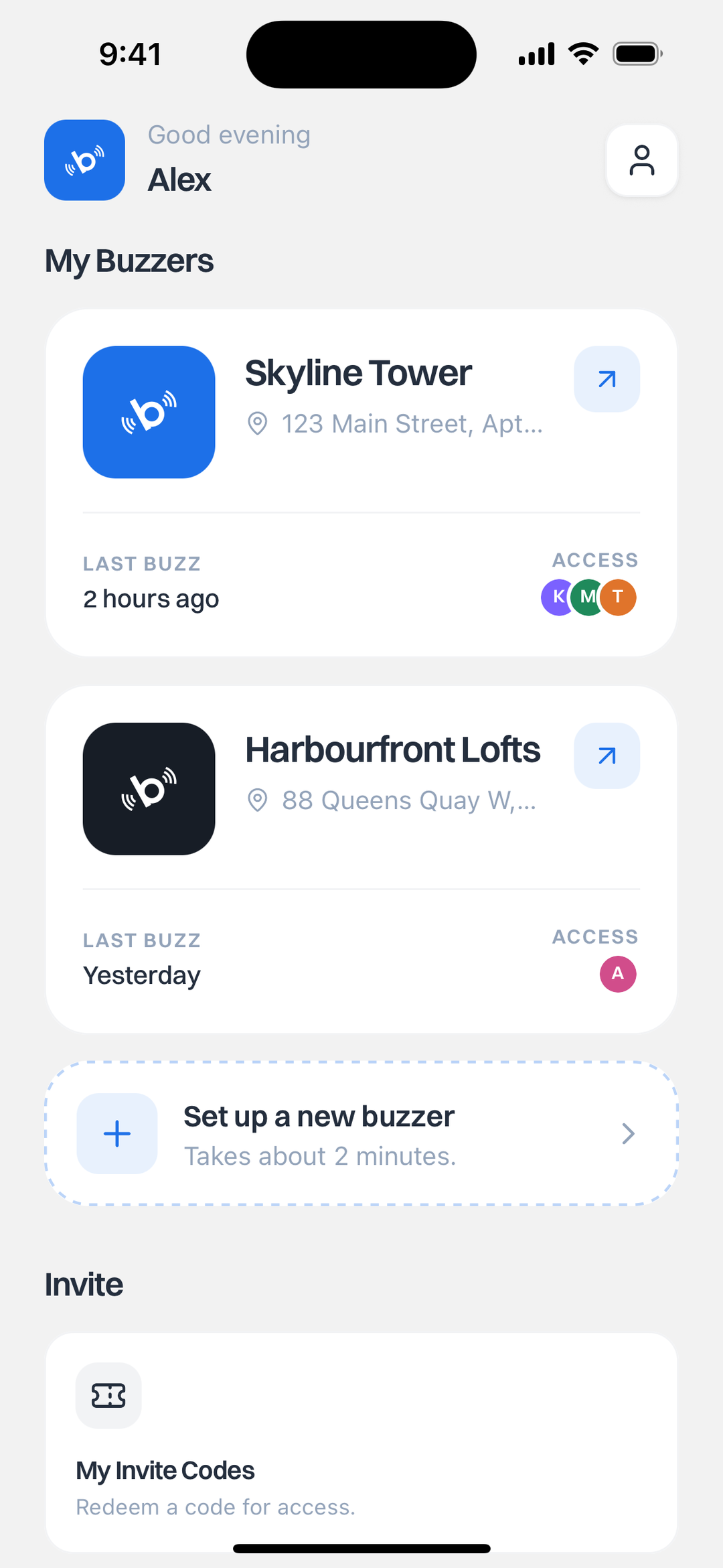
This takes about two minutes. One account can hold more than one buzzer, which matters if you have a second unit, a parents' place you help manage, or a rental.
Step 2: Put that number on the buzzer
This is the only step that involves anyone else, and it is a single line in a directory.
Your new number goes where your unit's old number is listed. Who does that depends on your building:
- In many buildings the intercom directory is managed by the property manager, the superintendent, or the intercom company that services the panel. You send them the number and your unit, and they update the entry.
- In some smaller buildings the panel is programmable on site and whoever holds the code can do it in a minute.
Either way you are asking for a directory change, not an installation. It helps to say exactly that, because "I want to upgrade the intercom" sounds like a capital expense and "please change the number listed for unit 704" does not.
Nothing gets installed and no hardware is swapped, which is also why you do not need your landlord's permission to modernise your own unit.
Step 3: Test it
Go downstairs and press your own unit on the panel.
Your phone should ring. Answer it, and you should hear the lobby. That is the whole system working. From then on every visitor, courier and food order reaches you the same way, whether you are upstairs or in another city.
What if my building uses a directory panel with names?
Then your name stays on it and only the number behind it changes.
Residents sometimes worry that this means being listed differently, or losing their name from the panel. It does not. The visitor-facing side of the panel is untouched. A courier scrolling to your name sees the same thing they saw yesterday.
What happens after setup?
The parts that were impossible with a handset become routine.
Everyone in your household can be on the same buzzer by name, so whichever of you is free answers. You can see every buzz your apartment has received. You can remove someone the day they move out, and their access ends immediately. If you want to let a specific person in without answering, the app has access codes for that.
If deliveries are what pushed you to look at this in the first place, we went deeper on that in Fix Missed Deliveries with a Phone-Connected Apartment Intercom. If you host, smart buzzers for short-term rentals covers guest arrivals.
The honest limitation
The step that is out of your hands is the directory update.
If your building manager is responsive it is done the same day. If they are not, that is the piece that turns ten minutes into a week, and no product can shorten it for you. Everything on your side is finished in about two minutes.
Ready? Get the app and see current pricing on the app page.